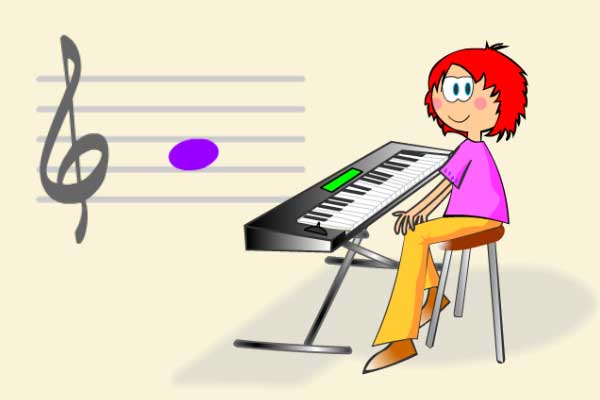
Atrapanotas is the most-played note-reading game on aprendomusica.com: notes appear on the staff and you have to identify them — pressing the right piano key — before they escape off the screen. The fastest way to automate note reading, without always having to count up from C.
How to play
Notes appear on the staff next to the treble clef and move to the right. Press the on-screen piano key that matches that note before it goes off the edge. You can also play with the computer keyboard: the keys A S D F G H J K L Ñ correspond to C, D, E, F, G, A, B, C', D' and E'.
Each round lasts exactly 30 seconds. The goal is to get as many notes right as possible in that time.
Each note gives you two chances: if you miss, it does a small visual bounce and you can still get it right. The second time you miss it, it turns red and counts as an error — so pressing at random doesn't work, each failed attempt uses up a chance.
Speed increases on its own as you get notes right: every eight correct notes, everything moves a bit faster, up to five speed levels. The game adapts by itself, no manual settings.
Game modes
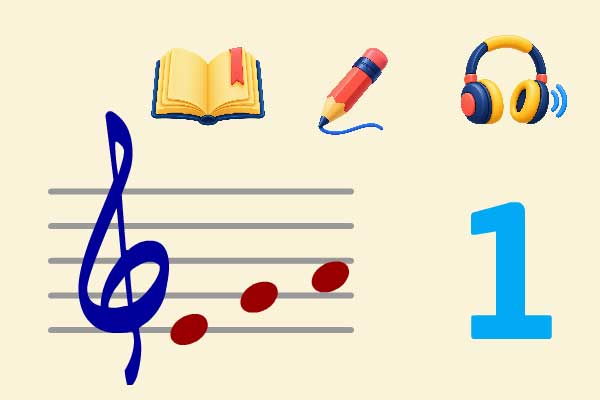
Automates visual note recognition: notes appear on the staff and you identify them by their position on the lines and spaces.
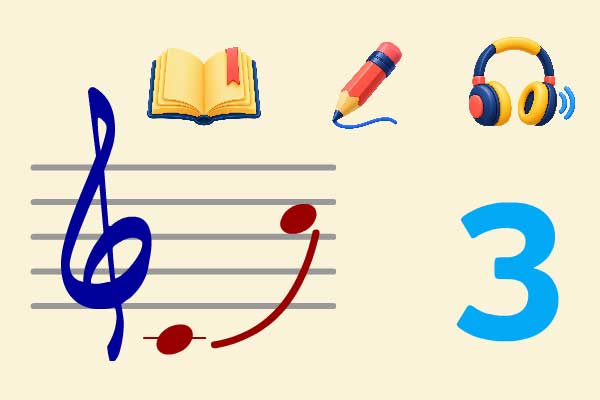
The first four notes are shown and played with a visual reference; from the fifth onward only a cursor appears and you have to identify the note by ear. Quite a bit harder than visual mode.
Both modes have separate scores and stars, so progress in one doesn't affect the other.
Available levels
Six fixed levels, following Z. Kodály's note-introduction sequence, plus a free-practice mode:
The never-ending melody.
Introducing the tonic.
First high C. Major chord plus the sixth.
Pentatonic scale.
The diatonic major scale.
The most common range in beginner songs and pieces.
Turn individual notes on and off. No score or trophies: just accuracy and streak for that session. Useful for practising one specific note that's giving you trouble.
There are also levels to practise the bass clef, used in low instruments like the cello or double bass.
Score and trophies
The main metric is notes hit in the 30 seconds, along with accuracy (% correct) and best streak (correct in a row). Each level awards one, two or three stars based on the score — but hitting notes fast and wild isn't enough: under 40% accuracy earns no stars, and all three require at least 85%.
Five trophies you can collect across games (free practice doesn't count towards any of them):
- Tireless — complete 10 games in regular levels.
- Unbeatable — finish a game with 12 or more hits and zero misses.
- Speedster — reach top speed with 70% accuracy or more.
- Terminator — reach 500 correct notes in total.
- Explorer — have played all six levels.
With a name or nickname entered before starting, progress (stars, records, trophies, hits per note) is saved linked to that name — on a shared computer, each student keeps their own record.
For the classroom
The usual classroom routine is for each student to play a 30-second round and note their result. Notes hit is the most direct metric if everyone plays the same level; accuracy (%) is fairer when levels differ. Since it always lasts 30 seconds, the turn at the digital whiteboard is predictable and easy to fit into class time.
The final screen adds a very practical detail: the "Review" field highlights the note with the worst percentage in that game — if it shows "Review: F (42%)", you already know which note to work on with that student, without having to watch the game live.
It's best to introduce listening mode only once visual mode is solid at the four- or five-note level — it works well as a gamified musical dictation. And "Choose your own notes" mode is great for practising whatever mix-up is happening right now (for example, just E-F-G if the class is working on F), without the pressure of scoring.